Canviq — the AI agent that already knows your courses, built into Canvas.
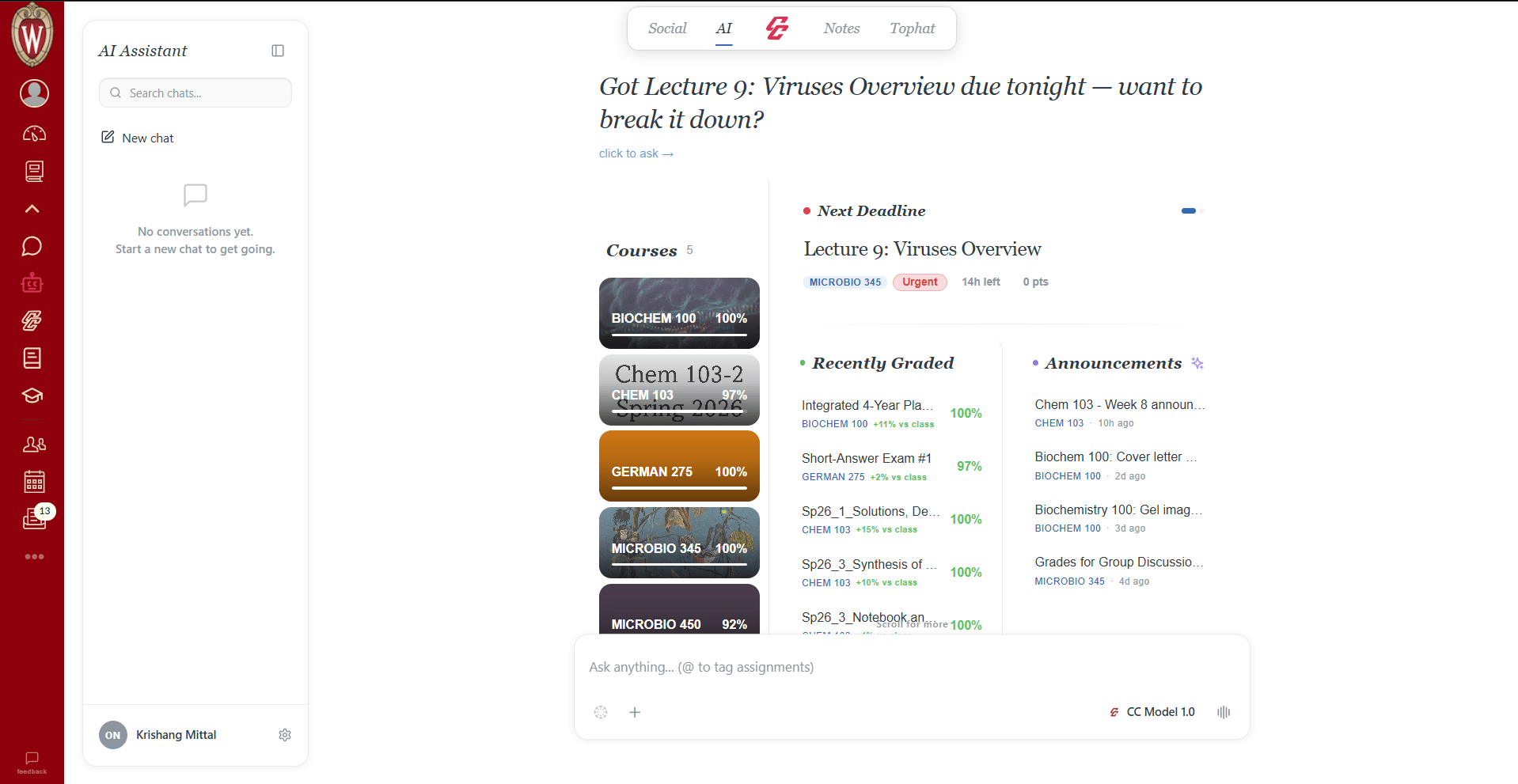
Canviq drops an AI agent right into Canvas — one that reads your lecture files, runs your grade math, tracks every deadline, and answers in the context of your actual classes.
Free to start · No account needed · Works on any school running Canvas
Trusted by students at
 Wisconsin
 Stanford
 MIT
MIT Harvard
 UC Berkeley
 Cornell
 Yale
Yale Princeton
 Columbia
 Michigan
 Georgia Tech
 UCLA
UCLA Penn
Penn Northwestern
 UChicago
 DukeWisconsinStanfordMITHarvardUC BerkeleyCornellYalePrincetonColumbiaMichiganGeorgia TechUCLAPennNorthwesternUChicagoDuke
The agent
Not another chatbot
in another tab.
ChatGPT doesn't know you're behind in organic chem, that your midterm is Thursday, or that you never opened last week's problem set. Canviq does — because it reads straight from Canvas.
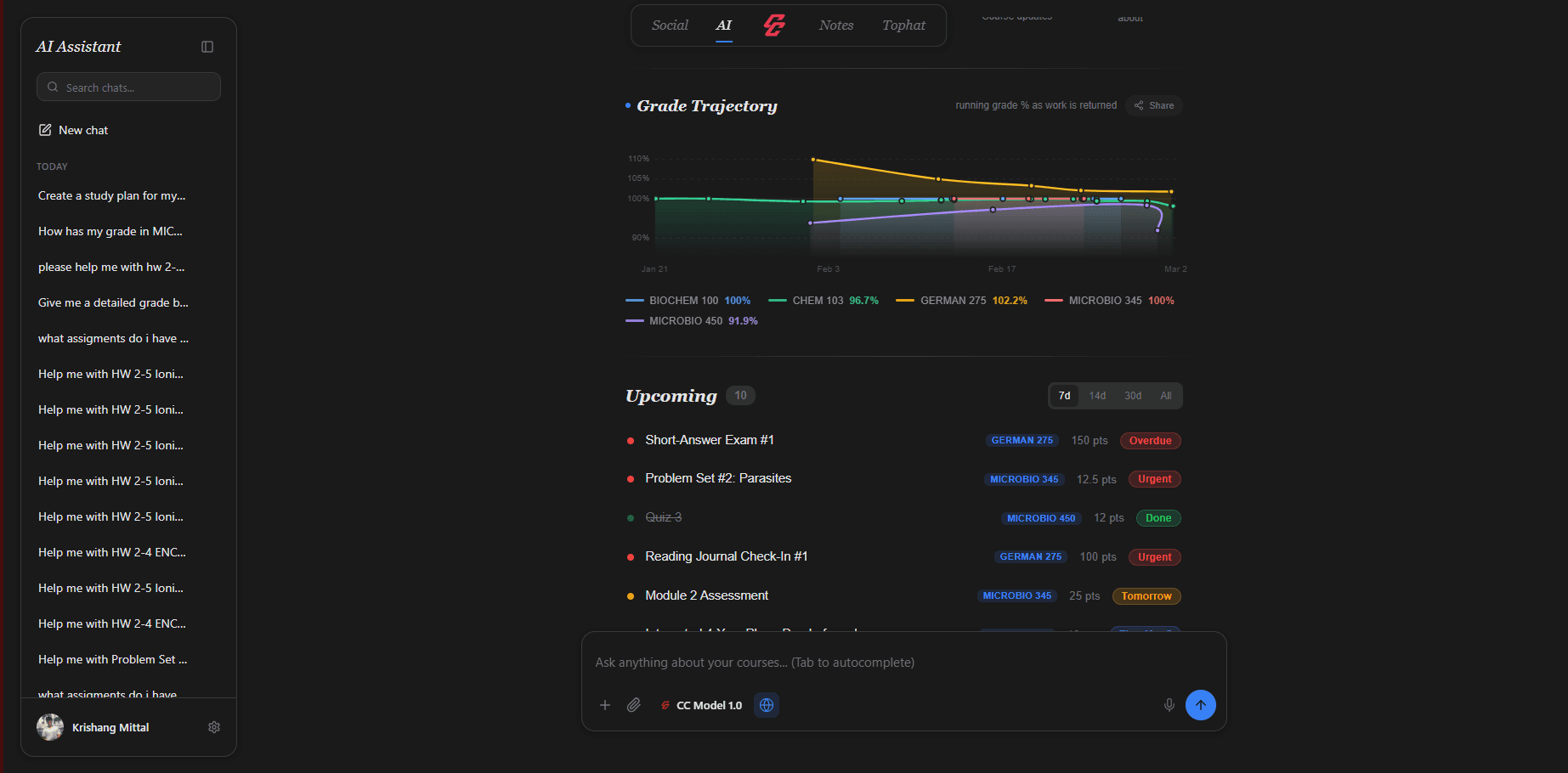
It remembers every chat, watches your grade trajectory, and answers using your files, your grades, and your deadlines.
Capabilities
One agent for all of your coursework.
Not a dozen features bolted together — one intelligence that understands your classes and does the tedious parts for you.
Course-aware answers
Every reply is grounded in your real classes — the lectures, the syllabus, the assignments. No copy-pasting context.
Practice from your files
Turn any lecture or PDF into flashcards and practice questions in a click.
Instant study plans
It builds your week around what’s actually due — and what you’re weakest at.
Reads any file
PDFs, slides, docs, spreadsheets — it extracts and understands them all.
Always shows its sources
No black-box guessing. See exactly which material each answer came from — so you can trust it.
Right inside Canvas
No new tab, no new app, no logins. The agent lives in the Canvas you already have open.
How it works
Live in under a minute.
Add to Chrome
One click from the Web Store. No account, no sign-up, no credit card.
Open Canvas
Canviq loads right inside your school's Canvas and quietly reads your courses.
Ask anything
The agent answers with full context of your files, grades, and deadlines.
Demo
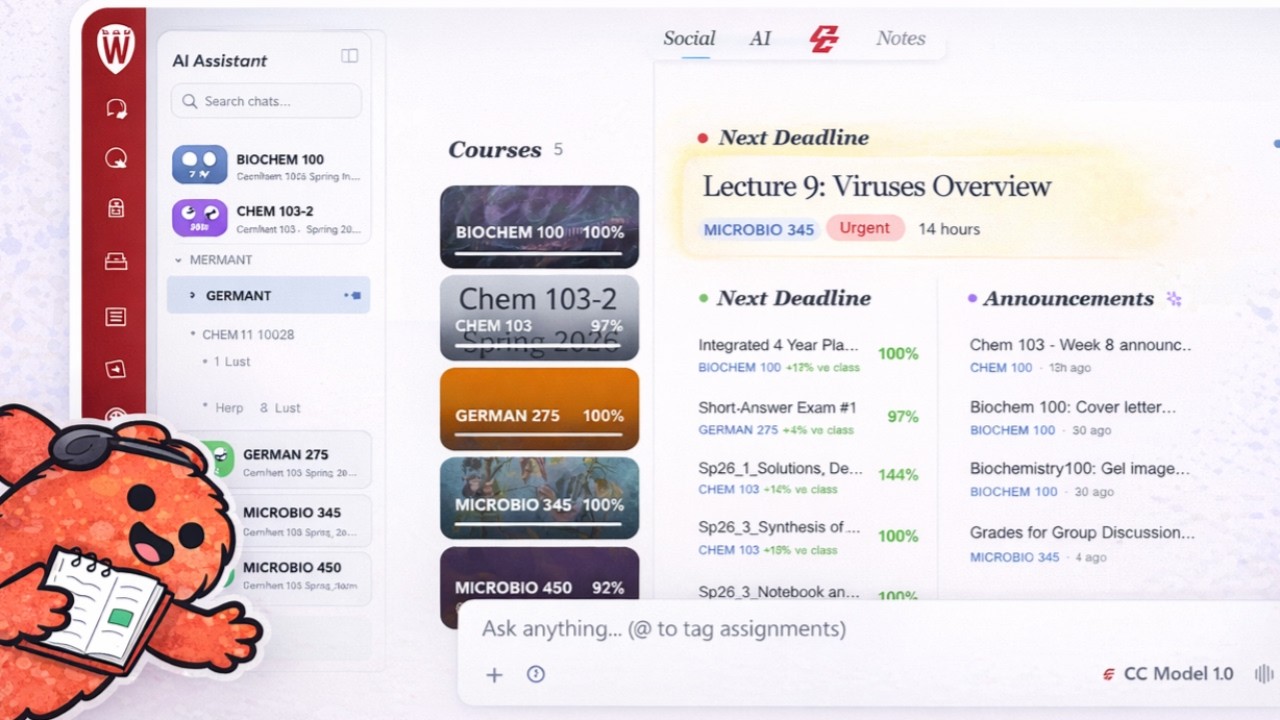
Two minutes. See it think.
Pricing
Less than your coffee habit.
Start free — no card required. Upgrade the moment you're hooked.
No hidden fees · Cancel anytime · Built by students, for students
FAQ
Questions?
An AI agent that lives inside Canvas LMS. It reads your courses, files, grades, and deadlines, then answers questions and does study work in the full context of your actual classes. It's a Chrome extension — not a separate app or another tab.
Context. ChatGPT doesn't know your courses, your syllabus, your grades, or what's due Thursday. Canviq's agent does — it reads straight from Canvas, so it can generate practice from your real lecture files, explain concepts using your own material, and plan your week around your actual deadlines. And it always shows which sources it used.
Yes. The agent with course context, flashcards, practice questions, and basic file reading are all free. Pro ($6.99/mo, $19.99/semester, or $34.99/year) unlocks unlimited AI, premium models, web search, and full file and course intelligence.
No. Canviq is a private, student-only layer on top of Canvas. Professors and TAs have zero access to the extension or any of your AI interactions. Your data stays yours.
It uses your existing, already-logged-in Canvas session — we never ask for or store your Canvas credentials. File and AI processing happens securely server-side, so your conversations stay private and API keys stay off your device.
Any university that runs Canvas LMS — 6,000+ institutions across 60+ countries. If your school uses Canvas, Canviq works with no setup and no admin approval.
No. Install the extension, open Canvas, and you're in. No sign-up, no passwords, no onboarding friction.
Not yet. Canviq works on Chrome and Chromium browsers like Edge and Brave. Firefox and Safari support is on the roadmap.